Alpha

DivisionOS, an operating system built from nothing

An operating system built from nothing. Your own desktop, a system that never drifts, and software from anywhere.

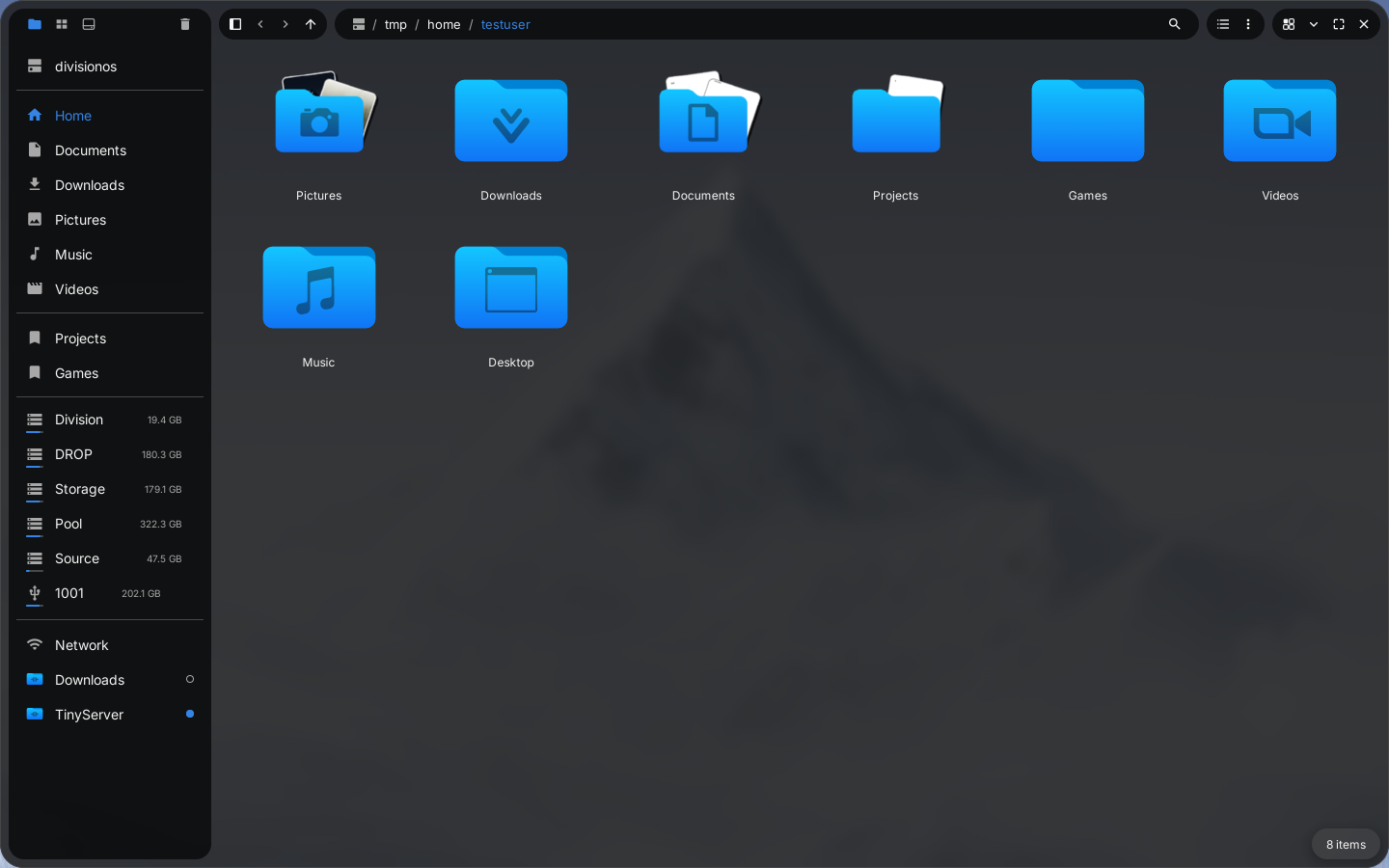
Files, showing the Home folder
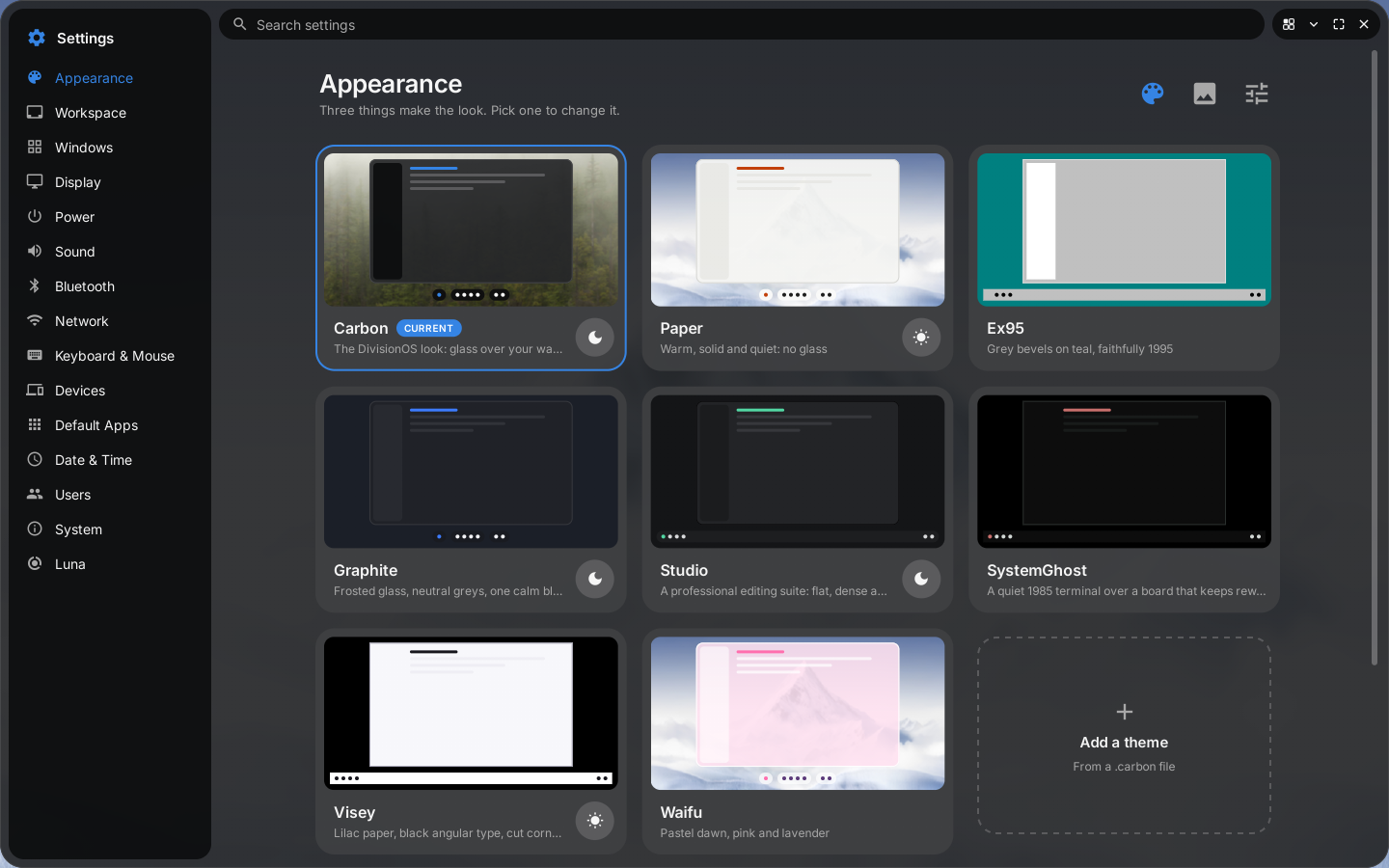
Settings, on the Appearance page with the theme cards
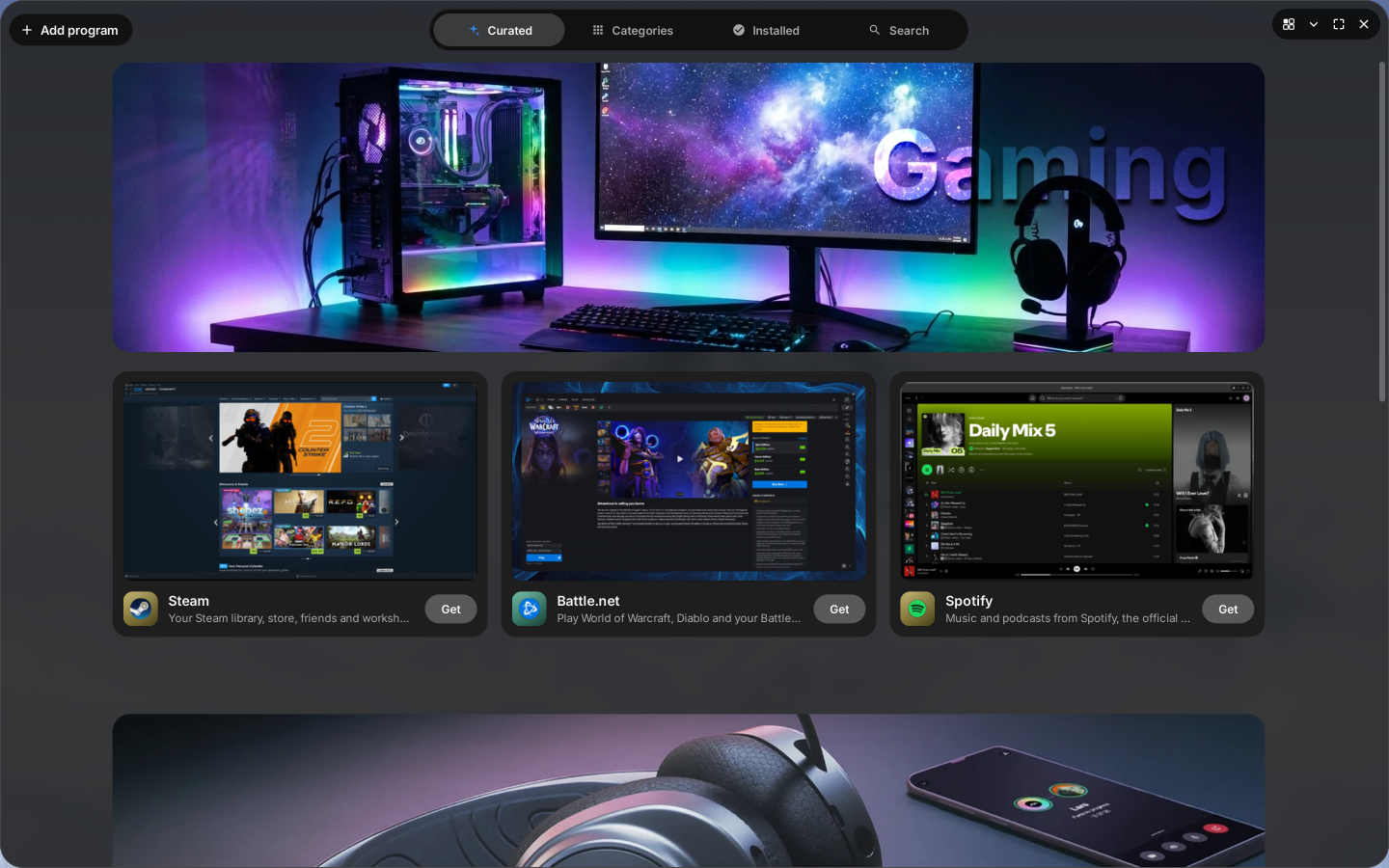
The Division Store, on its curated page
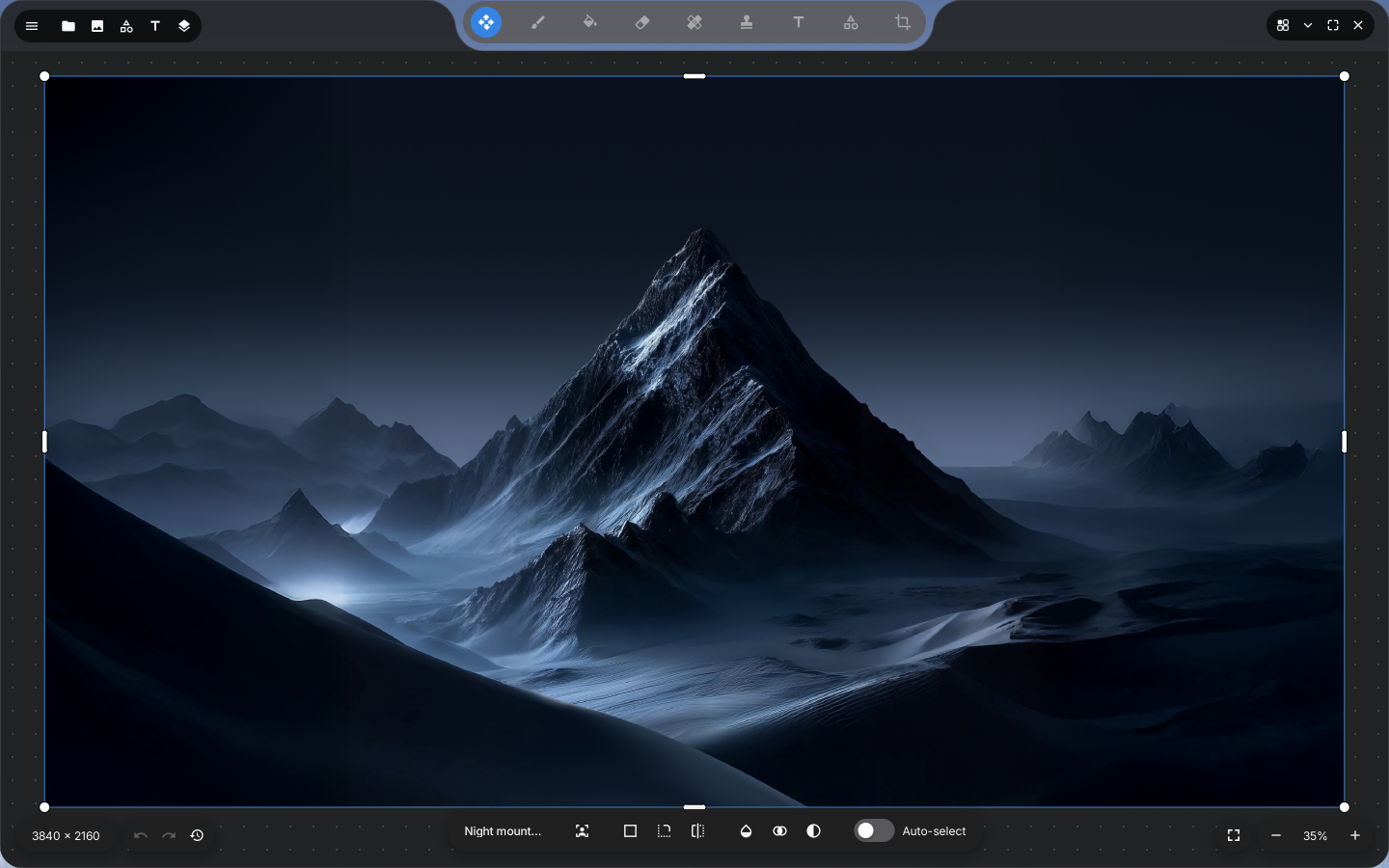
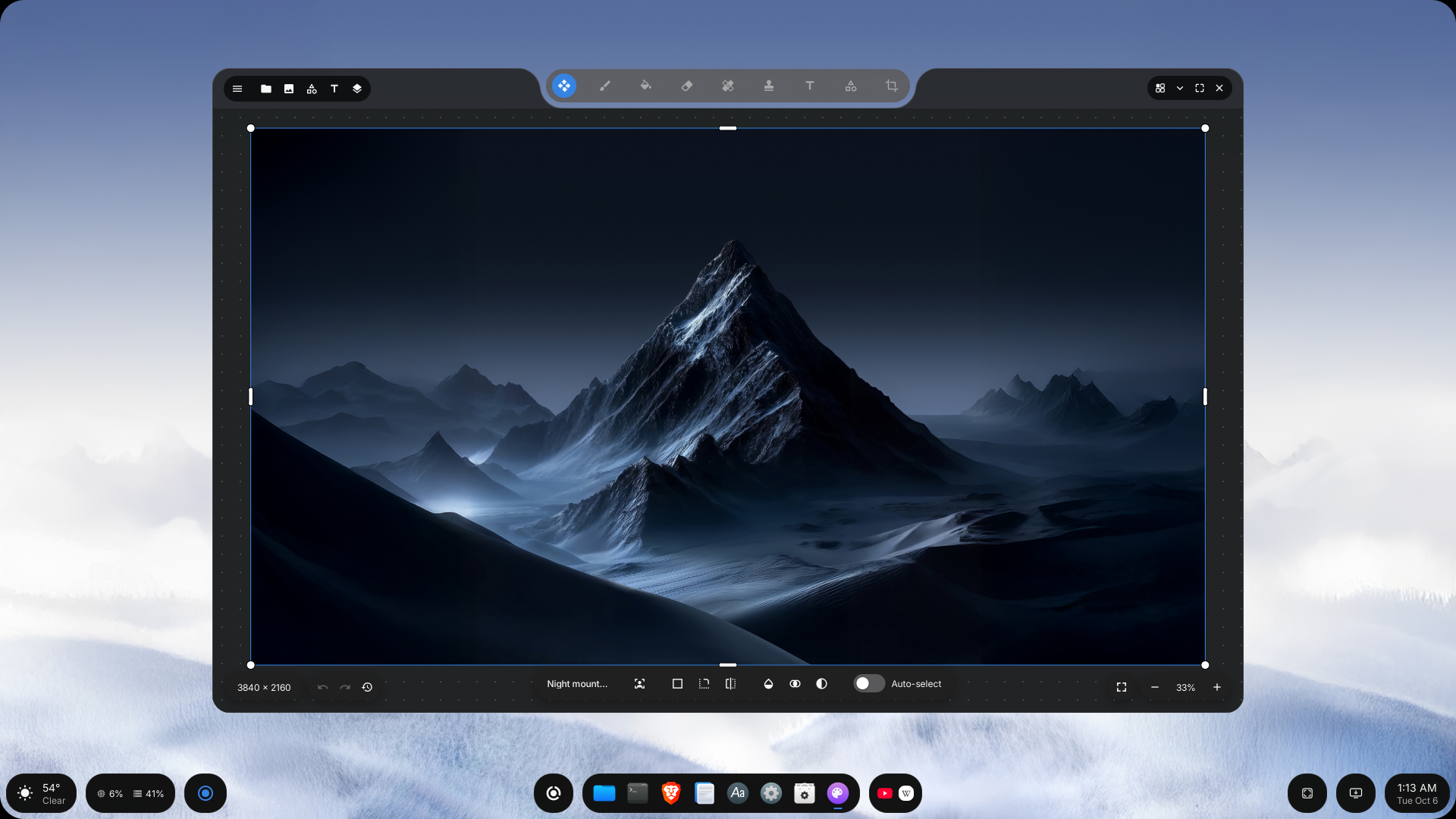
Studio, editing a picture of a mountain at night
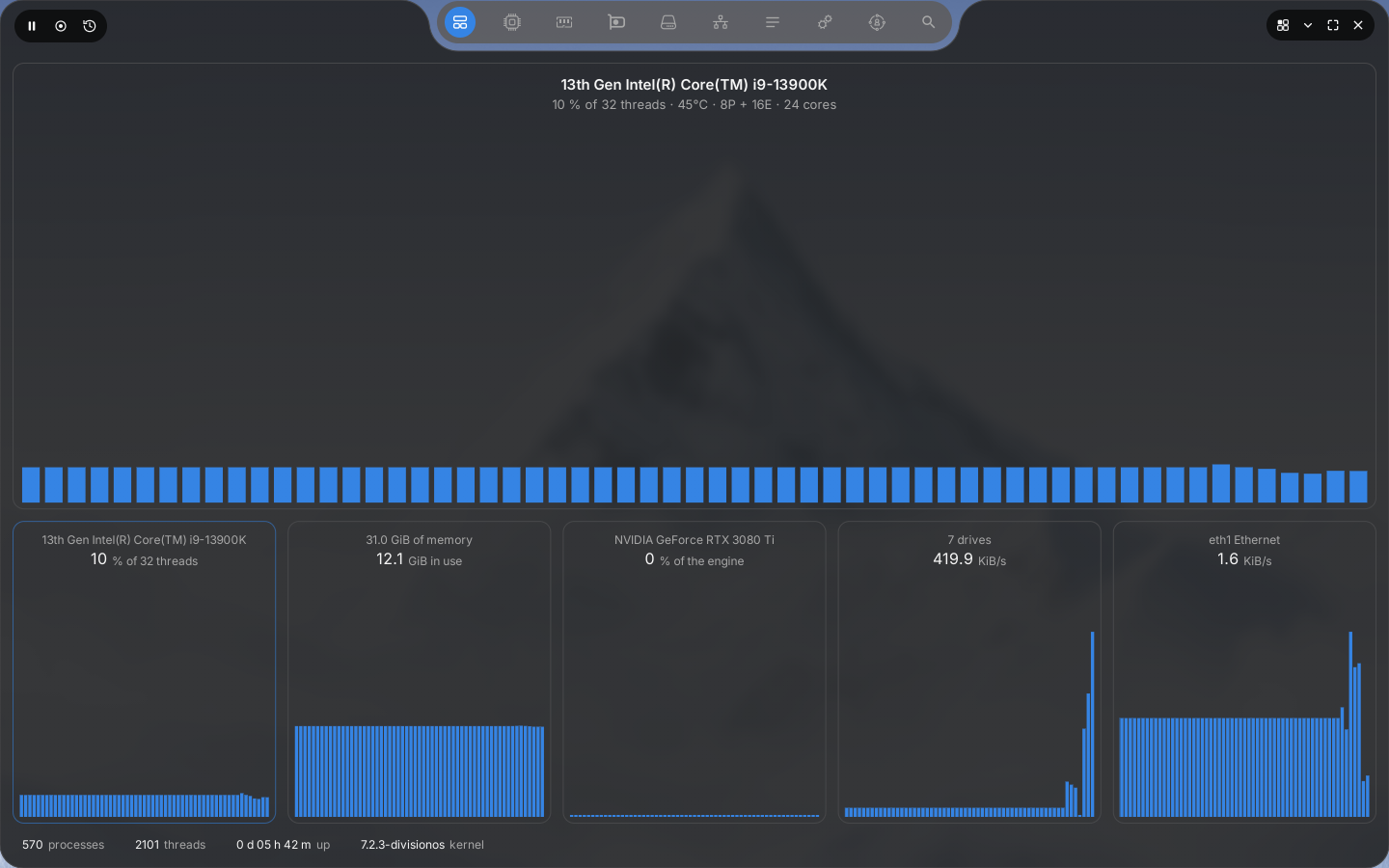
System Monitor, on its overview
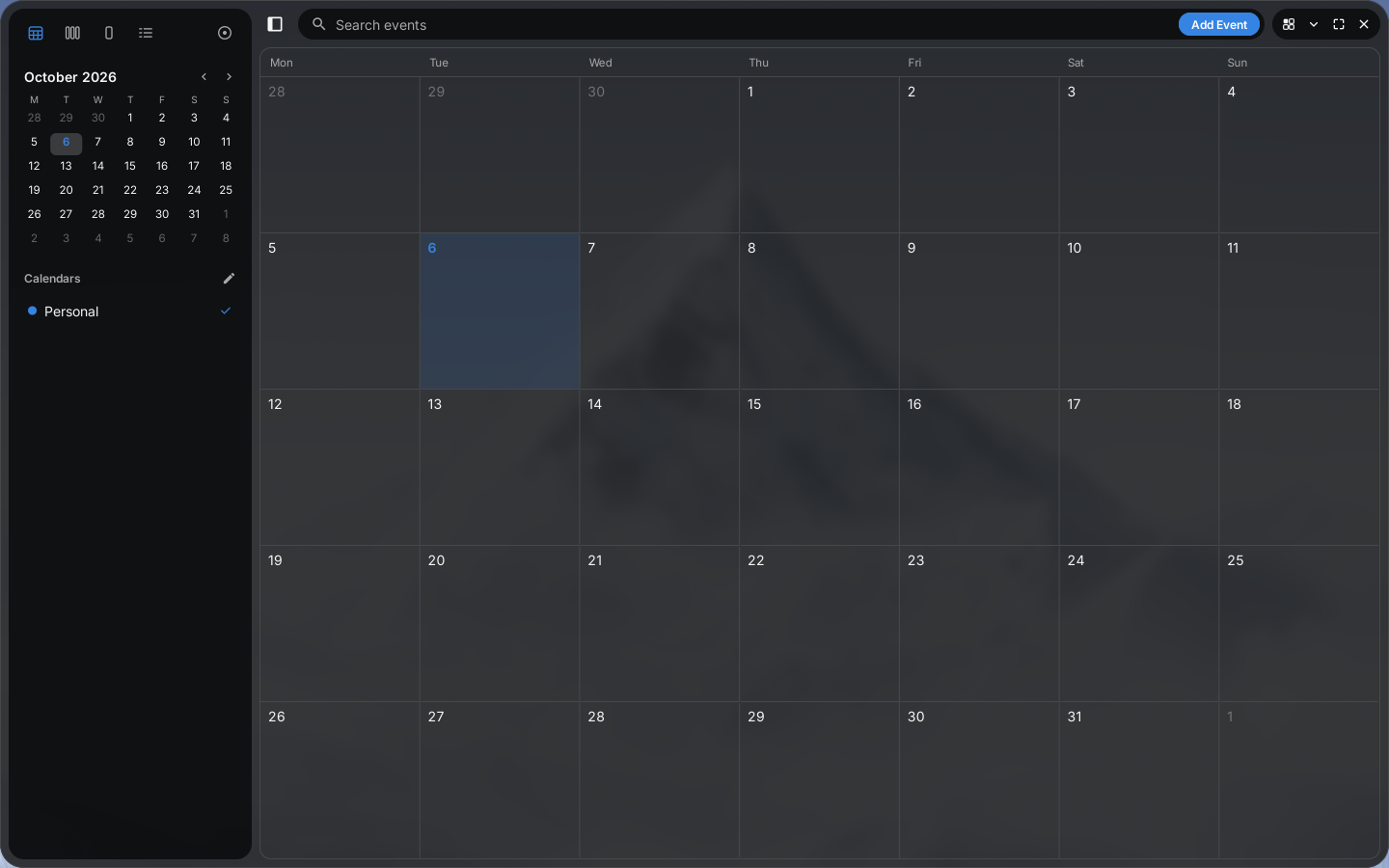
Calendar, showing October
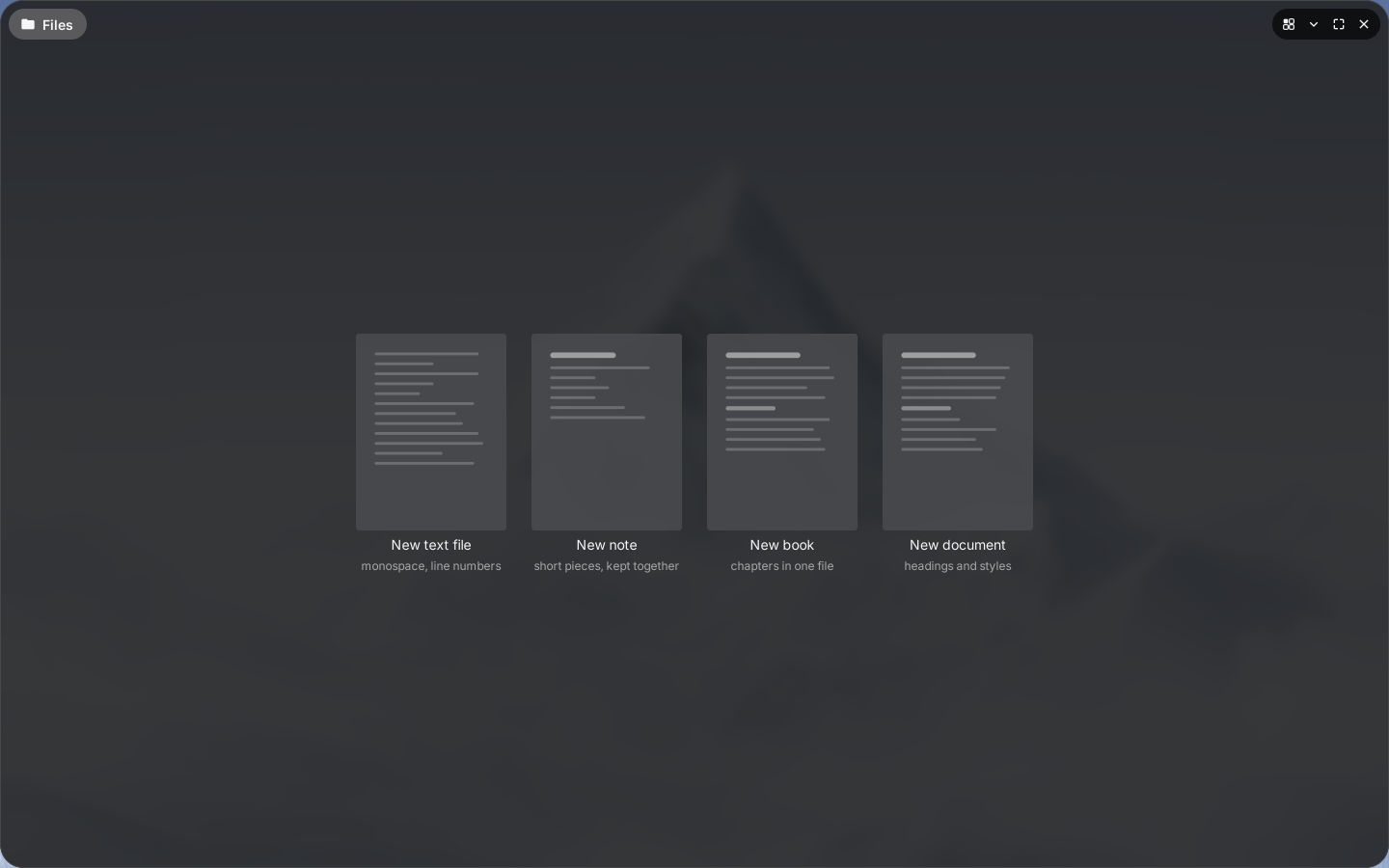
Editor, choosing what to write
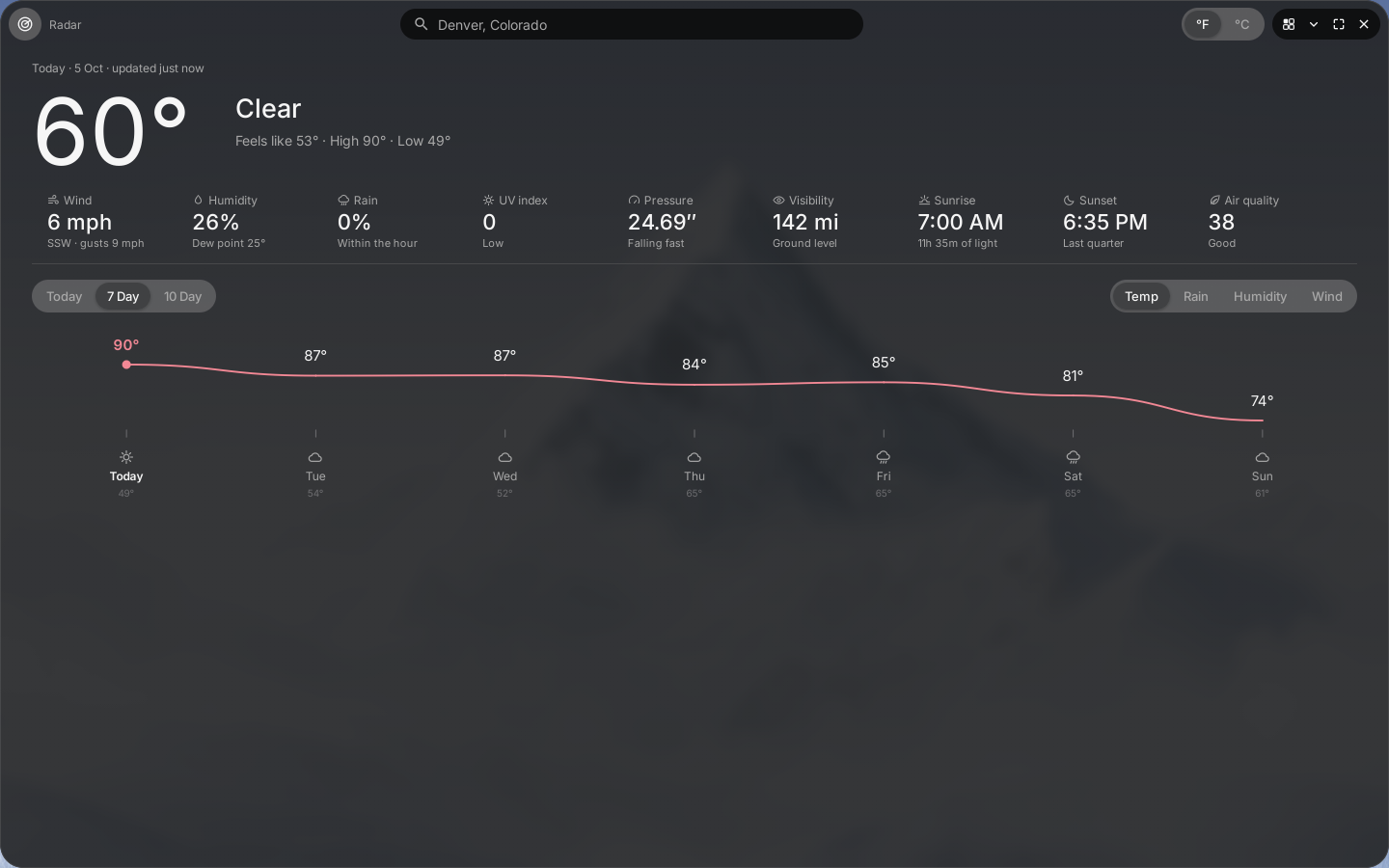
Weather, showing the week ahead for Denver
01
  1. Fully themable
  2. GPU driver in one click
  3. Immutable updates
  4. Factory reset
  5. App bundles
  6. App permissions
  7. Shared object pool
  8. Program blocking
  9. Built-in protection
  10. Asks before it acts
  11. Plain-word shell

Carbon DesktopBeyond theming

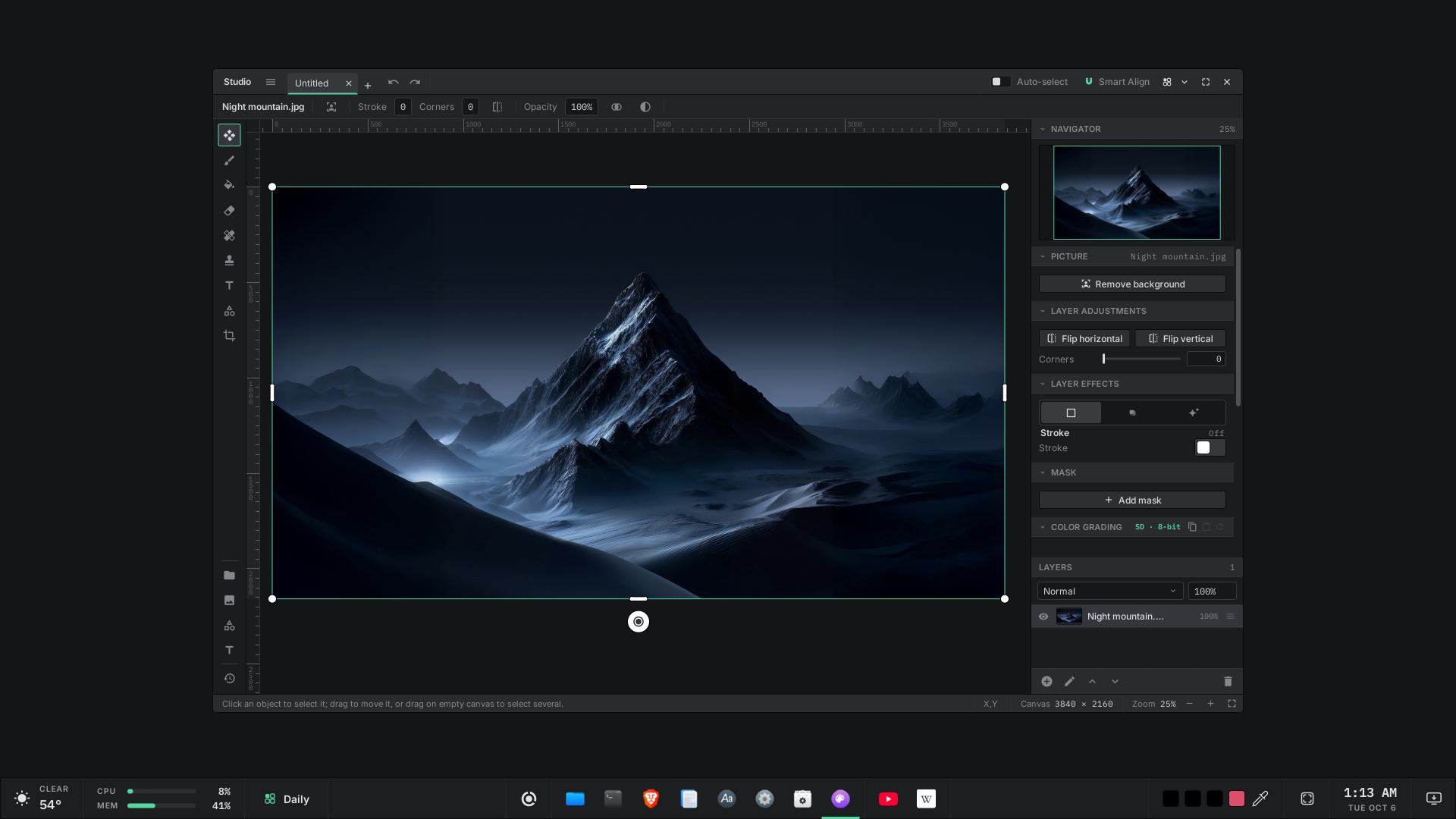
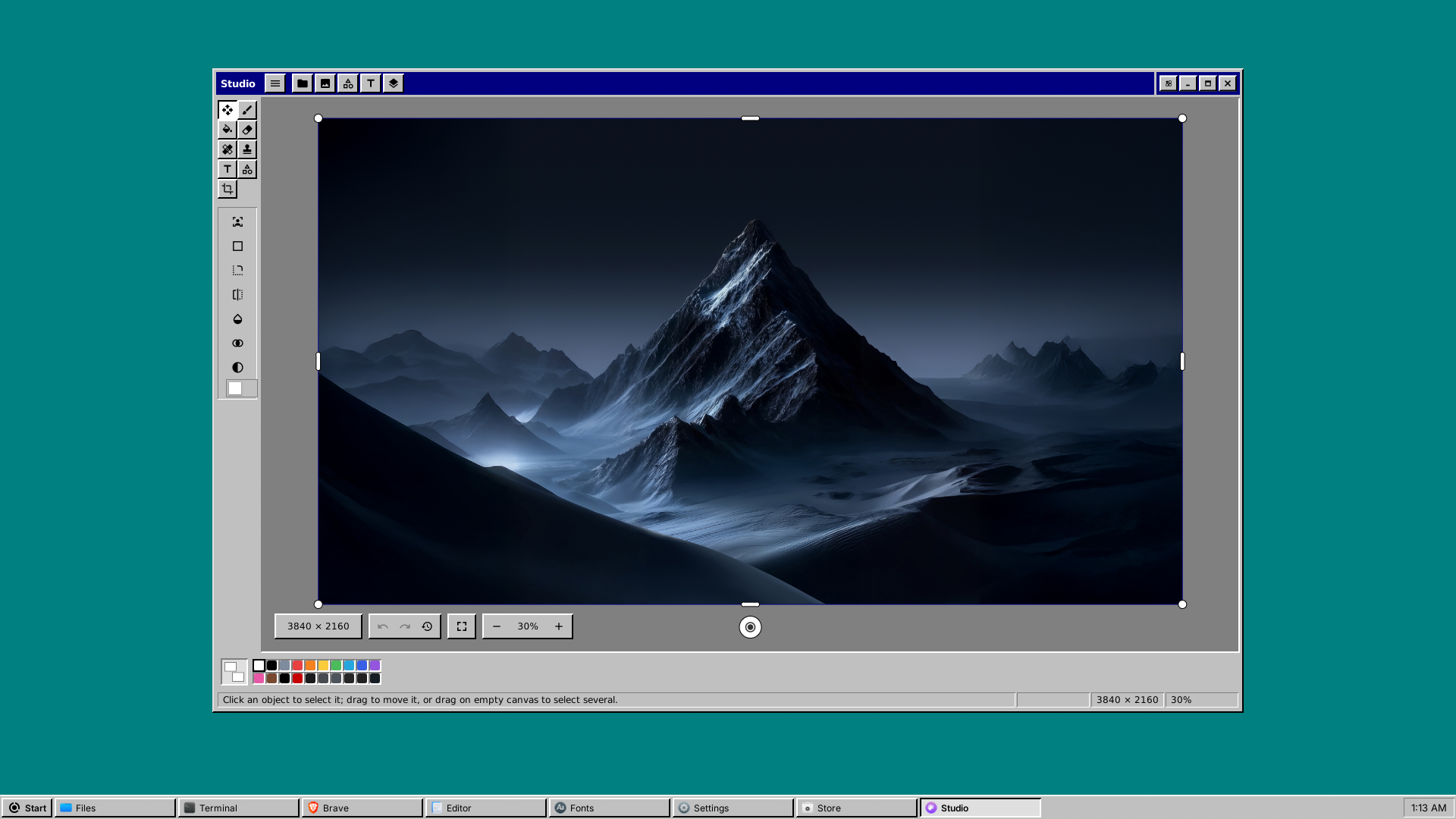
Studio on the DivisionOS desktop in the Carbon theme Studio on the DivisionOS desktop in the Studio theme Studio on the DivisionOS desktop in the Ex95 theme

Not just colours and borders. Carbon Desktop lets anyone change not only the look and feel of their machine, but the entire workflow. Every shot here is the same program, Division Studio, with a different workflow and experience in each. All backed by the power and simplicity of CSS.

Our philosophy

Humans aren't computers.

We live in dimensional space, and so should our tools: not in a flat, scrolling terminal.

“The desktop is the control surface. The moment someone has to step outside of it to control their system, we have failed, and we fix it.”

01
  1. Set who can open a fileFiles ▸ Permissions
  2. Share a folderFiles ▸ Manage shares
  3. Choose who gets inFiles ▸ Shares
  4. Format a driveFiles ▸ Disk tools
  5. Connect and shareFiles ▸ Network
  6. Encrypt a driveFiles ▸ Disk tools
  7. See what fills a diskFiles ▸ Space analysis
  8. Live process notificationsNotifications
  9. Install a programDivision Store

Multiple window modes

Free windows when you want them, tiles when you don't, or a workspace built around one window at a time. One key switches modes, per screen.

Browser divisionos.org Notes Media Browser divisionos.org Notes Media Files Browser divisionos.org Notes Files ‹ 23 › Notes Media Browser divisionos.org Calendar Files Calendar Super + ← → next window
The asc shell

Commands in plain words

One program starts the machine, keeps its services running and is the shell you type into. It has no dash-flags anywhere: commands read the way you would say them.

Anything privileged asks you on screen while it happens. No password piped in, no cached credential, no D-Bus and no systemd.

Terminal
DivisionOS shell — 'help' for commands, 'exit' to close.
user:user » go /storage
user:storage » list
Pictures   Music   Projects   Backups

user:storage » find holiday
Pictures/holiday-2025.jpg

user:storage » show ip
192.168.1.24 · fe80::1c2a:9ff:fe3b:41

user:storage » show ram
12.1 GiB of 31 GiB in use

user:storage » go home
user:user » 

Try it on real hardware

The installer writes to a drive you choose and leaves the one you booted from alone.